MakuluLinux AI-OS Desktop Is Live !

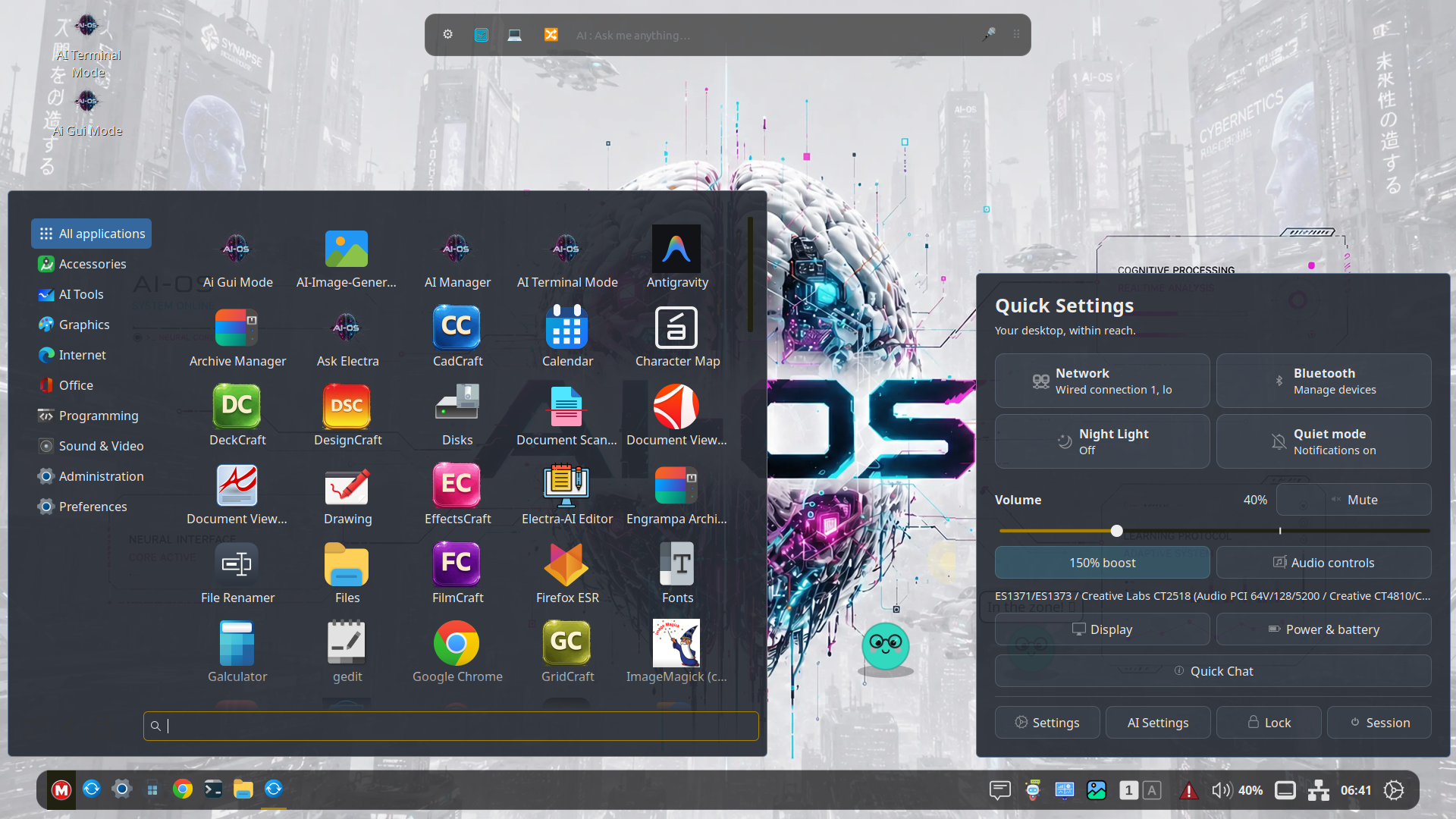
MakuluLinux AI-OS Debian — A next-generation AI desktop
First public release · 19 November 2026
MakuluLinux introduces AI-OS Desktop, a next-generation AI desktop environment and the first of its kind from MakuluLinux. Our debut Debian edition brings AI-OS Desktop and Electra AI Center together on one live and installable image. AI is woven into everyday desktop workflows, from asking a quick question in the panel to handing a file to Electra for help. The same assistant is available in a full graphical workspace and at the command line.
Release detail :
- ISO MakuluLinux-AI-OS-Debian-2026-11-19.iso
- Base Debian 13 “Trixie”
- Architecture 64-bit x86 (amd64)
- Kernel Linux 6.19.14 series
- Recommended for desktop effects Quad-core CPU, roughly 6th- or 7th-generation Intel Core or newer, or an equivalent AMD CPU, with 8 GB RAM or more and hardware-accelerated graphics
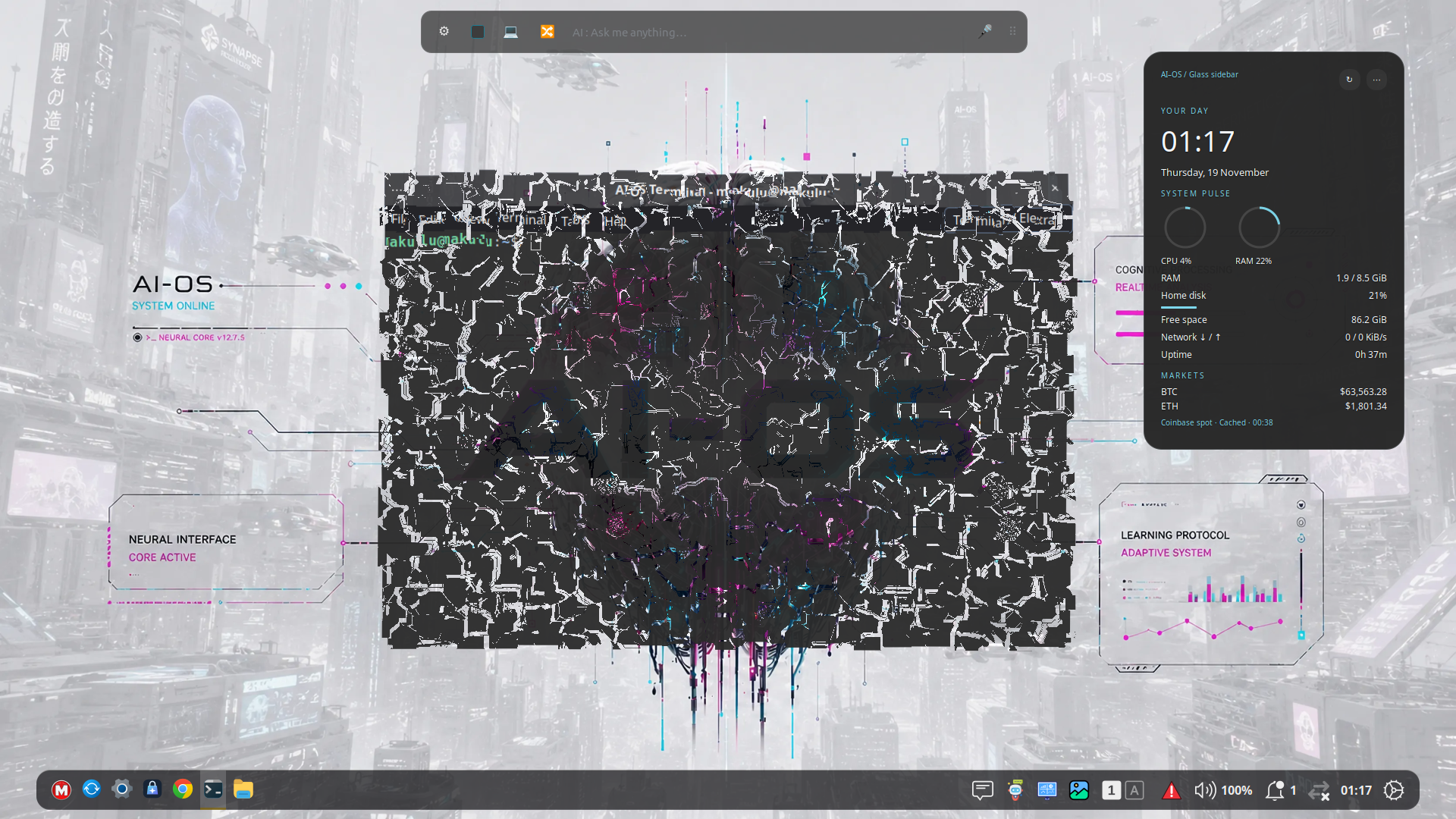
What’s new on the desktop
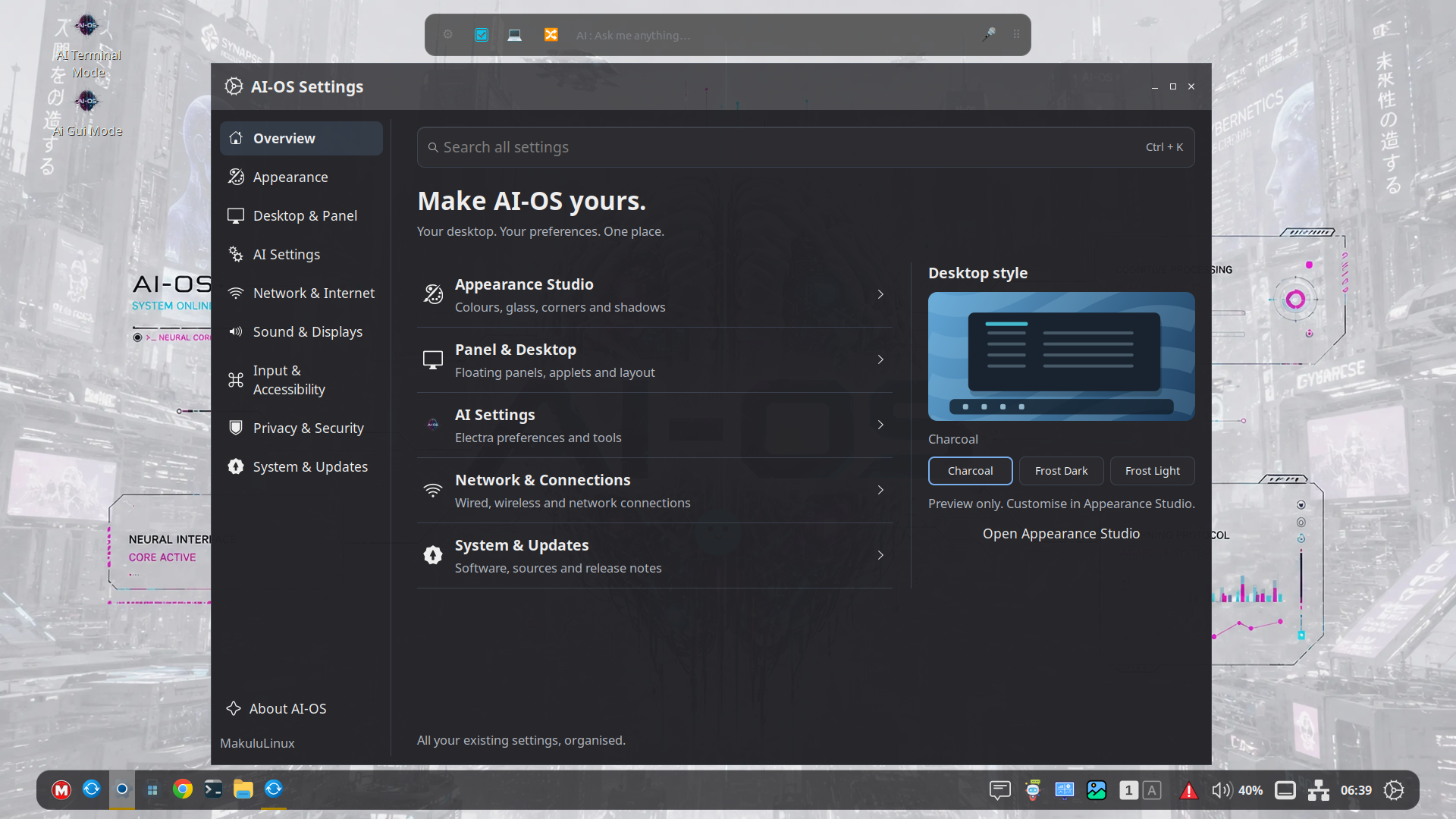
- Appearance Studio brings light and dark styles, accent colours, transparency, rounded corners, shadows, icon themes, and pointer themes into one place. Panels can use Classic, Floating, or Compact layouts.
- Window management offers familiar overlapping windows and optional automatic tiling with configurable gaps and drag-to-swap. Wobbly Windows adds an adjustable bounce on maximize and unmaximize. Magic Lamp, Desktop Cube, and 16 selectable closing animations give users additional ways to customise desktop motion.
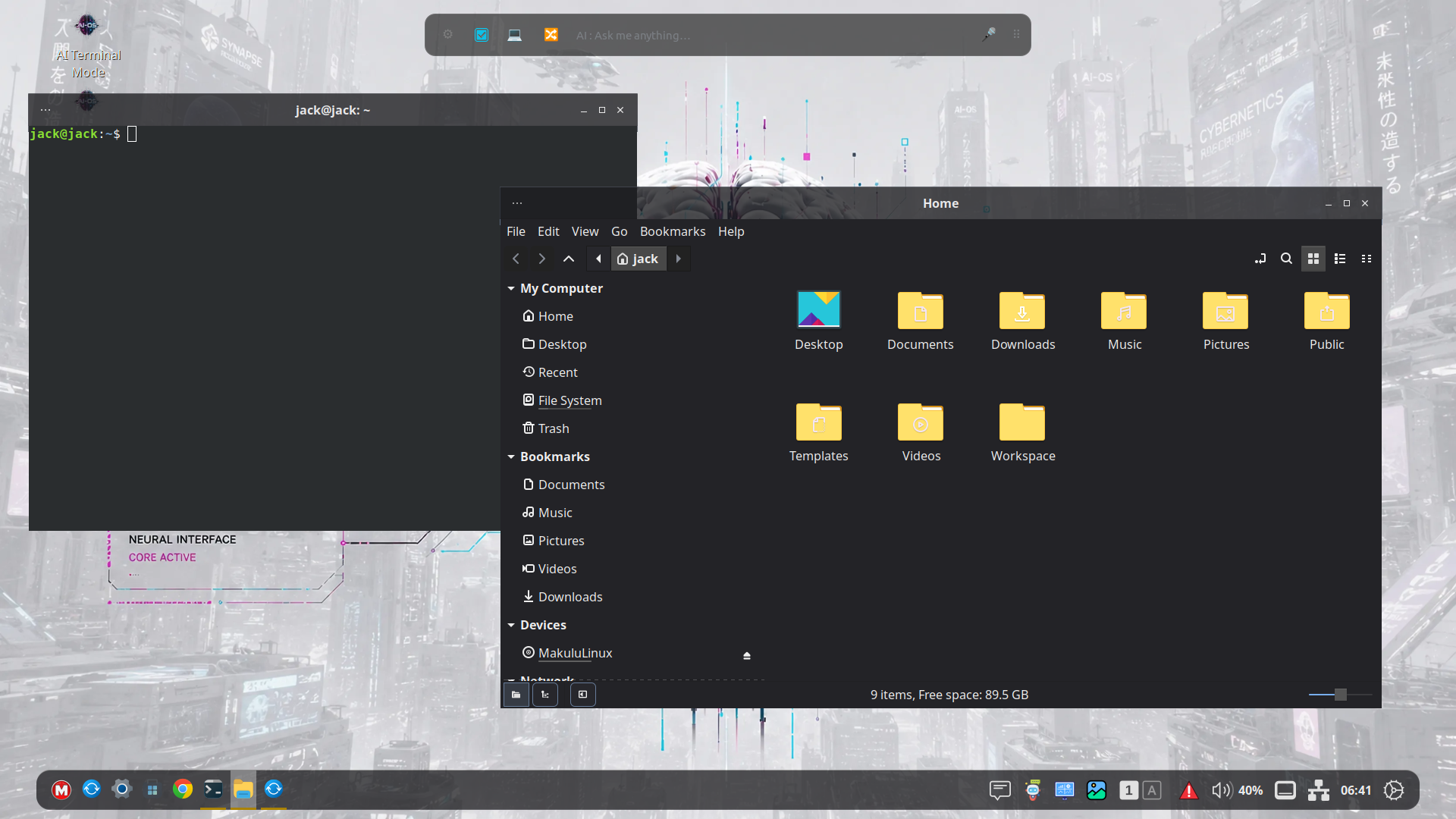
- Files offers Classic, Modern, Minimal, and Explorer layouts while retaining Nemo features such as tabs, dual panes, and file actions.
- AI-OS Software Center brings APT, Flatpak, and Snap into one application browser, with source selection where an app is available in multiple formats. The catalogue depends on the repositories and services configured on the system.
- Desktop tools include Quick Settings, a dashboard, Task Manager, Update Manager, and a built-in Release Notes viewer.
AI built into the desktop
Quick Chat gives users a lightweight way to ask a question from the desktop. The bundled Electra AI Center also provides a graphical workspace and terminal interface for writing, research, coding, and system help. The floating Electra Bar offers a shortcut to the assistant, and supported file actions can hand work directly to Electra.
Ordinary desktop features such as panels, window management, and file browsing work without an Electra account. Hosted AI features require an internet connection, and model access and usage limits vary by account or plan.
What’s under the hood
AI-OS Desktop began as a fork of the Cinnamon 6.x codebase and has since been extensively reworked by MakuluLinux. Its desktop stack includes the shell, session manager, settings daemon, and control centre, with Muffin handling window management and compositing and Nemo powering Files.
Electra AI Center runs as a separate application included on the same ISO. Desktop entry points pass user requests to Electra, which can route them to tools and models suited to the task. Some built-in AI features use a separate desktop service. The desktop source and the hosted Electra service are distributed separately.
What to expect
The recommended hardware is intended for running the optional compositor effects comfortably. Effects can be tuned or switched off in Settings. Graphics-heavy effects depend on driver support and acceleration, especially in virtual machines. X11 is the recommended session for this release. Wayland support is still limited and in development.
- MakuluLinux website : https://makululinux.com
- Patreon Page : https://www.patreon.com/c/makululinux
- Telegram channel : https://t.me/makululinux
- Discord Channel : https://discord.gg/HMd3x5evpe
- Youtube Channel : https://www.youtube.com/@makulu.online
- Desktop screenshot https://makululinux.us/Desktop.png
- ISO download : https://makululinux.us/members/downloads/
- SHA-256 checksums :
aeb4559784a5208a5519a83f9008c9ed08b764a2f545d0acfd296e58f8bc343f
